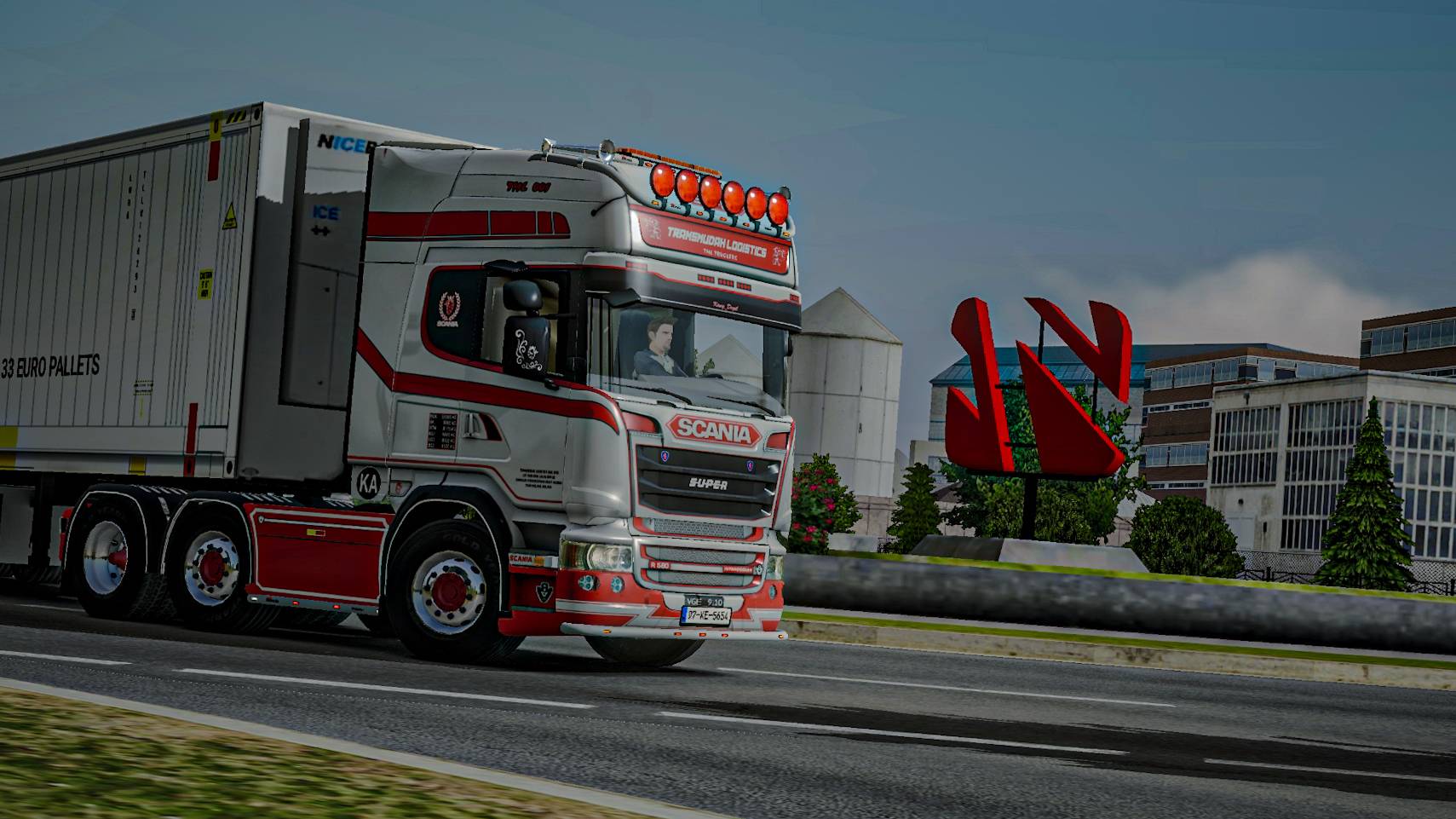

fixing crashes when adding skins
Game crashes caused by custom skin resolutions can be resolved by removing unused skins or lowering graphics settings.
- Inserting certain skins causes the game to crash or close unexpectedly, often due to skin resolution issues
- Players can fix crashes by going to truck customization under colors and skins to remove unused old skins one by one
- Lowering graphics settings while applying skins also prevents the game from crashing


